Drawx Offline Whiteboard for Linux
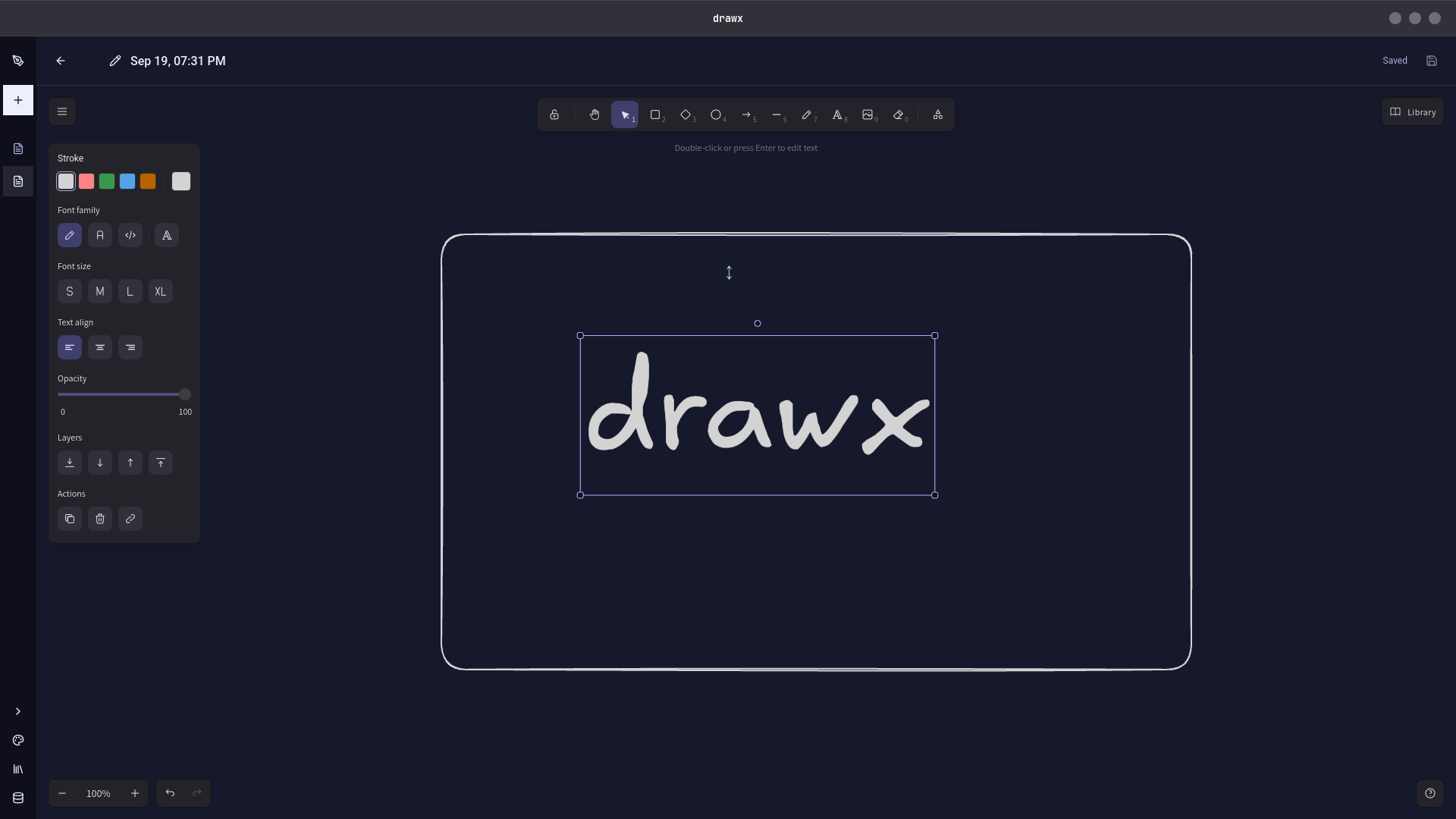
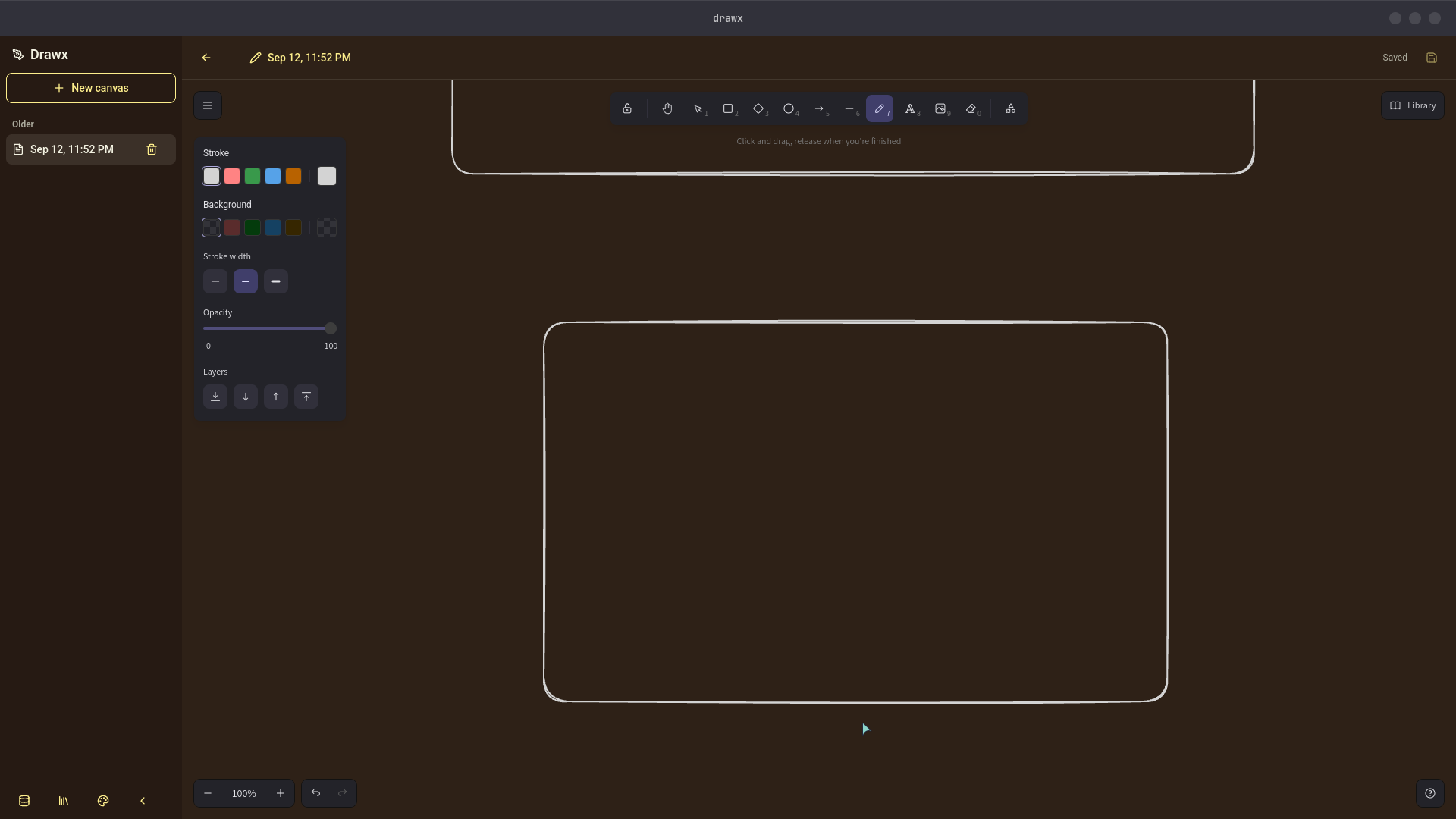
DrawX is an offline first whiteboard for Linux, macOS, and Windows. Draw, plan, and brainstorm locally with no cloud, account, or telemetry.
What Drawx Is?
Drawx Is an offline first, native like desktop application built with Tauri, bringing the full power of Excalidraw Directly to Linux, macOS, and Windows offline.
Unlike cloud-based diagramming tools that upload your canvases to remote servers, Drawx Executes 100% locally on your machine. Drawings, plans, ideas, sensitive system architectures, product mockups, and personal brainstorming canvases never leave your computer unless you explicitly export them.
Why Choose Drawx?
- 🔒 Zero Cloud. 100% offline: No external network requests, analytics, or telemetry. Works completely air gapped without an internet connection.
- ⚡ Instant Launch & Native Performance: Lightweight desktop runtime with near-instant boot times and smooth 60fps canvas panning and zooming.
- 🔄 Seamless Auto Updates: Built with CrabNebula Cloud integration to ensure smooth, secure, and automatic background updates across all operating systems.
- 📦 Standard File Formats: Save, open, and export files in native
.excalidrawFormat, vector SVG, or high resolution PNG.
Download Drawx for Your Operating System
Ready to install binaries are available for all major platforms:
| Operating System | Package Type |
|---|---|
| Ubuntu / Debian / Mint | .deb (x86_64) |
| Fedora / RHEL / openSUSE | .rpm (x86_64) |
| Universal Linux | AppImage |
| Linux Flatpak | Flatpak |
| macOS (Apple Silicon) | .dmg (aarch64) |
| macOS (Intel) | .dmg (x86_64) |
| Windows Installer | NSIS Setup (.exe) |
| Windows Portable | Standalone (.exe) |


Crab nebula cloud: https://web.crabnebula.cloud/pratyay/drawx/releases
Need real time collaboration with teammates? Check out the web edition:
- Drawy — Collaborative web drawing workspace with live cursors, shared canvases, and version history.
Comments