Ensor Secret Detection & Redaction
ensor is a CLI tool built in golang that finds hardcoded secrets, redacts them with placeholders, and converts env files between dotenv, JSON, YAML, and TOML.
Hardcoded secrets in codebases (API keys, database URLs, tokens) are a top cause of breaches. Most tools scan and stop there — you still manually rotate secrets and update .env Files.
ensor detects, and redacts in one interactive flow. It extracts discovered secrets into a .env File and replaces them with configurable placeholders across your project.
# Install
mise use github:github.com/pratyay360/ensor@latest
# or: brew install pratyay360/tap/ensor

ensor
Why ensor?
| Problem | ensor Approach |
|---|---|
| Scanners only detect | Detects and remediates in one pass |
| Manual .env management | Auto-generates .env with descriptive keys |
| Format fragmentation | Converts .env ↔ JSON ↔ YAML ↔ TOML |
| CI/CD integration | Non-interactive mode for pipelines |
| False positive fatigue | Interactive review before redaction |
Key Features
- 50+ secret patterns: AWS, GitHub, Slack, Stripe, JWT, private keys, database URLs, generic high-entropy strings
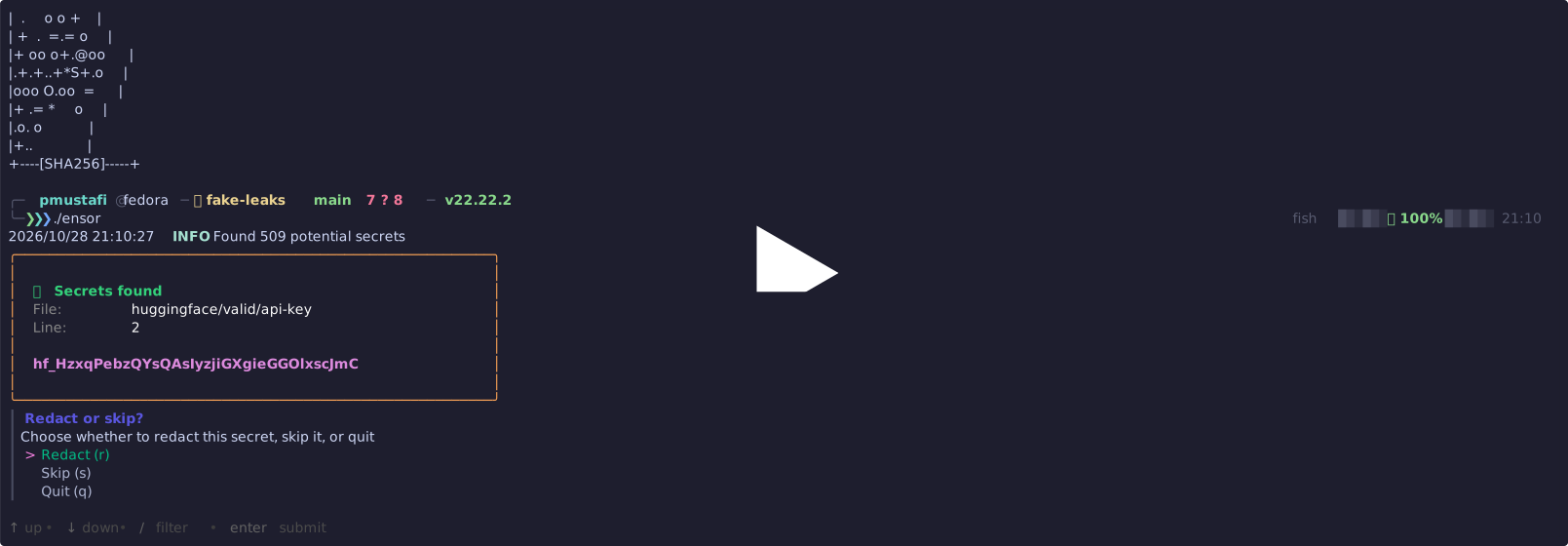
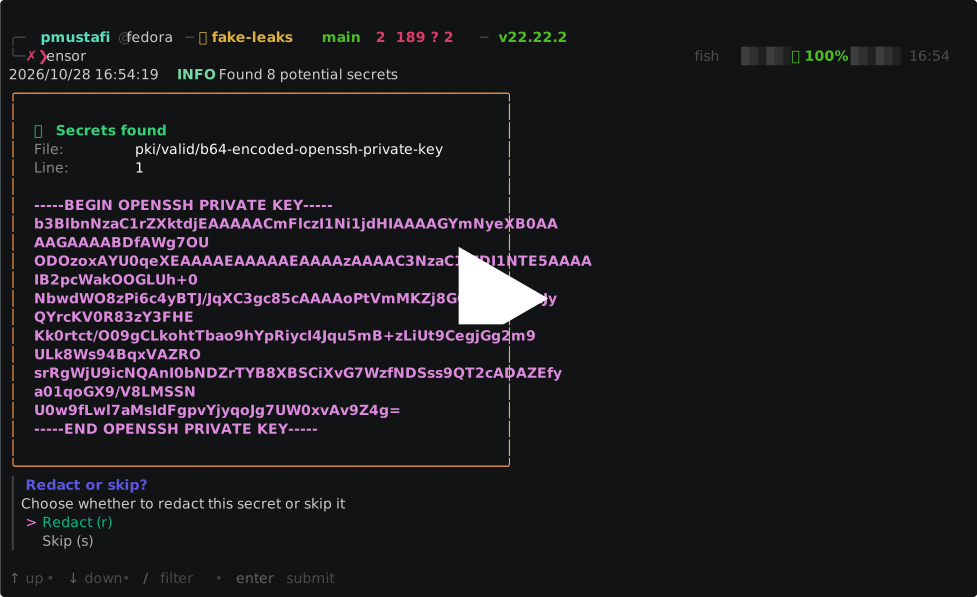
- Interactive redaction: TUI prompts for each piece of finding — accept suggested name, customize, or skip
- Smart .env mapping: If a detected value matches existing
.enventry, uses that key automatically - Zero configuration by default.
- Format conversion:
ensor convert—.env↔ JSON ↔ YAML ↔ TOML - Safe defaults: Skips
.env*,.git/*,node_modules/,vendor/by default - CI/CD ready:
ensor scan --jsonfor pipeline integration
Installation
| Method | Command |
|---|---|
| mise | mise use github:github.com/pratyay360/ensor@latest |
| Homebrew | brew tap pratyay360/tap && brew install pratyay360/tap/ensor |
| Go install | go install github.com/pratyay360/ensor@latest |
| Shell script | curl -sSL https://raw.githubusercontent.com/Pratyay360/ensor/main/install.sh | sh |
| goblin | curl -sf http://goblin.run/github.com/pratyay360/ensor | PREFIX=~/.local/bin sh |
| Scoop (Windows) | scoop bucket add pratyay360 https://github.com/pratyay360/scoop-bucket && scoop install pratyay360/ensor |
| Stew | stew install pratyay360/ensor |
| Prebuilt | GitHub Releases — .deb, .rpm, .apk, Linux/macOS/Windows/FreeBSD binaries |
Usage
Scan & redact (interactive)
ensorConvert environment formats
# .env → JSON
ensor convert .env env.json

# JSON → YAML
ensor convert env.json env.yaml

# YAML → TOML
ensor convert env.yaml env.toml
How It Works
- Scan — Walks project files (respects
.gitignore, configurable skip paths) - Detect — Runs git leaks/better leaks engine + custom patterns
- Map or prompt —
- Match found in
.env? → Use existing key - New secret? → Suggest name (e.g.,
STRIPE_SECRET_KEY) or prompt
- Match found in
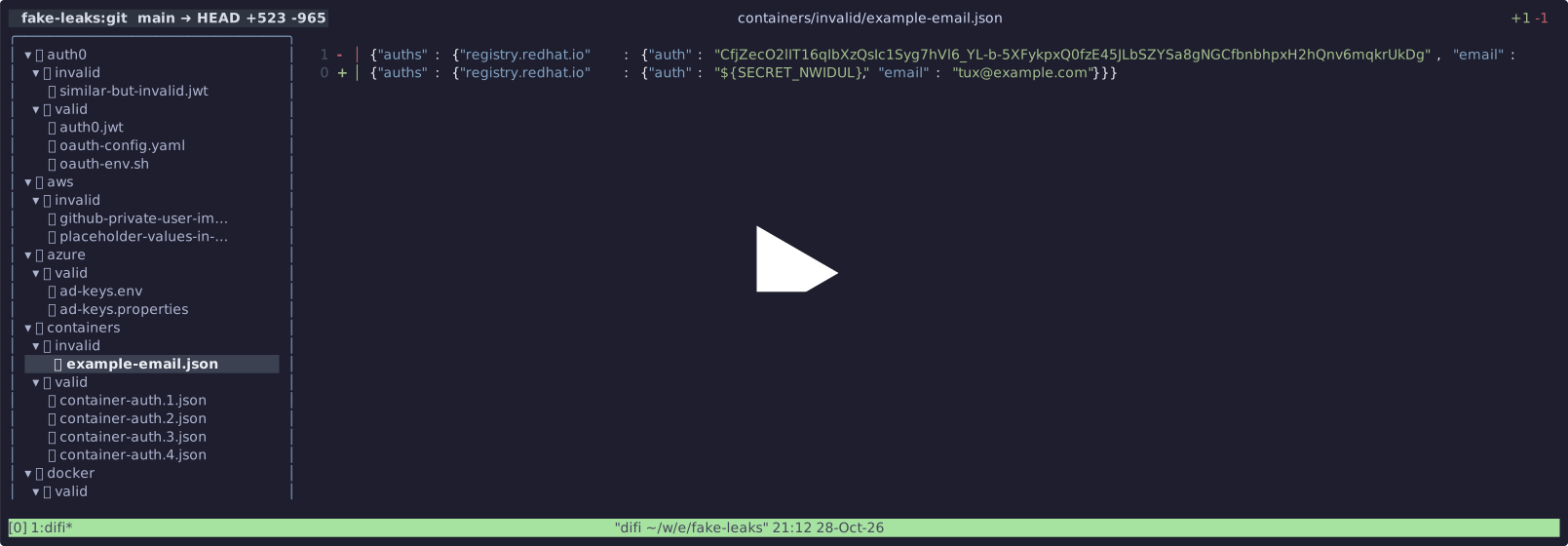
- Redact — Replace hardcoded value with
{KEY}placeholder - Store — Write secrets to
.env(or specified format)
Demo
| Demo | Link |
|---|---|
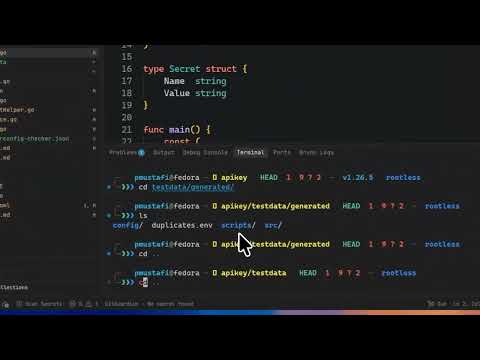
| Video walkthrough | YouTube |
| Secret scan & redact | asciinema |
| Env file conversion | asciinema |
Best Practices
- Run
ensorBefore committing changes that may include credentials - Keep generated
.envFiles out of version control (add to.gitignore) - Review redactions — confirm placeholders match your app’s configuration
- Use
ensor convertWhen migrating configuration formats across tools/projects
Comparison: ensor vs. git leaks vs. trufflehog
| Feature | ensor | gitleaks | trufflehog |
|---|---|---|---|
| Detection | ✅ (gitleaks engine) | ✅ | ✅ |
| Interactive redaction | ✅ | ❌ | ❌ |
| Auto .env generation | ✅ | ❌ | ❌ |
| Format conversion | ✅ | ❌ | ❌ |
| TUI/Interactive | ✅ (Bubble Tea) | ❌ | ❌ |
| CI/CD JSON output | ✅ | ✅ | ✅ |
| Custom patterns | ✅ | ✅ | ✅ |
Built With
- Go — Single binary, cross-platform
- Bubble Tea — Terminal UI framework
- Huh — Forms/prompts for TUI
- git leaks/better leaks — Detection engine
- Cobra — CLI structure
Links
- 📦 GitHub: https://github.com/Pratyay360/ensor
- 📦 Releases: https://github.com/Pratyay360/ensor/releases
- 📖 Docs: This guide
- 🐛 Issues: https://github.com/Pratyay360/ensor/issues
- 💬 Discussions: https://github.com/Pratyay360/ensor/discussions
- 📜 License: Apache 2.0
Comments