QCADesigner-E is now available on Linux
QCADesigner-E with estimation for Quantum dot Cellular Automata (QCA) circuits. Is now available as a portable Linux AppImage, so researchers can run it on a wide range of modern Linux distributions without installing dependencies or building from source
Easy. The key idea of the AppImage format is one app = one file. Every AppImage contains an app and all the files the app needs to run. In other words, each AppImage has no dependencies other than what is included in the targeted base operating system(s).
Trusted. AppImage format is ideal for upstream packaging, which means that you get the software directly from the original author(s) without any intermediaries, exactly in the way the author(s) intended. And quickly.
AppImages can be downloaded and run directly, without any installation or root privileges required.
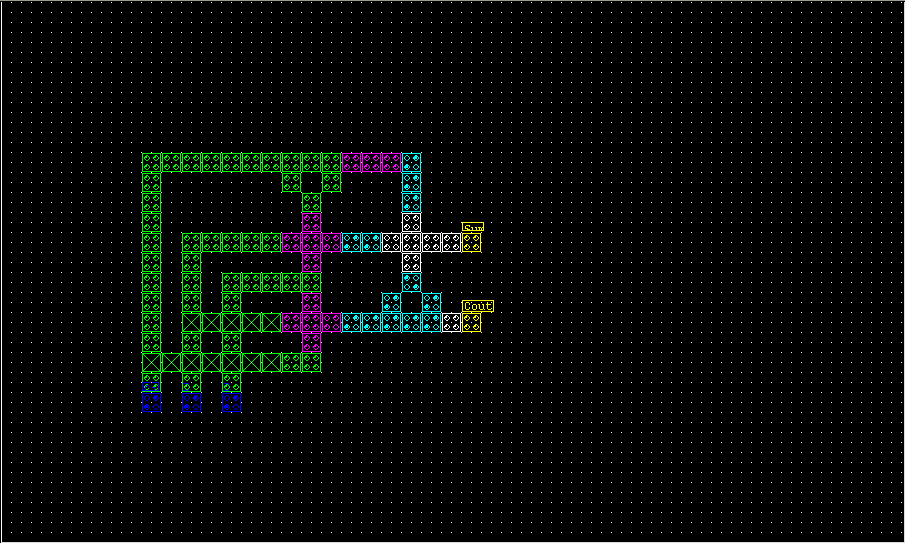


I repackaged QCADesigner-E To make life easier for users. I just repackaged the entire app into an isolated containerized app image file which can be downloaded and run, without installing on the system.
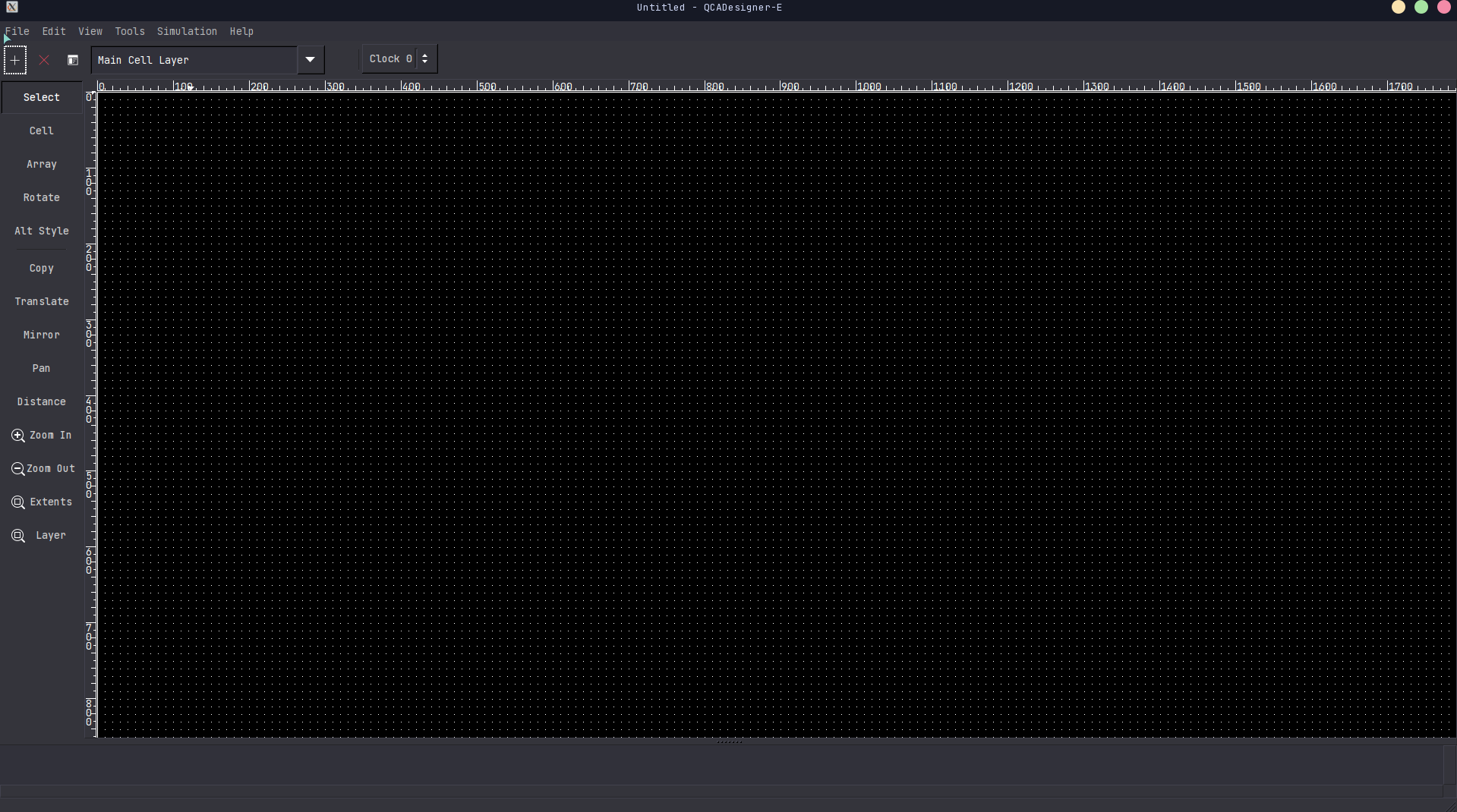
QCADesigner-E is available as an AppImage Which means “one app = one file”, which can be downloaded and run on latest systems while you don’t need a package manager and nothing gets changed in your system. Awesome!
AppImages are single-file applications that run on most Linux distributions. Download an application, make it executable, and run! No need to install. No system libraries or system preferences are altered. Most AppImages Run on recent versions of Arch Linux, CentOS, Debian, Fedora, openSUSE, Red Hat, Ubuntu, and other common desktop distributions.
QCADesigner-E Is a free tool for drawing quantum-dot cellular automata (QCA) circuits and estimating how much power they dissipate. Think of it as QCADesigner 2.0.3 with one extra simulation module strapped on. Same canvas, same file format, plus a way to measure energy. That’s the short version.
Any restrictions?
Not as such it’s just an open source repackaging of the original QCADesigner-E Project. The original project is still owned by the original authors.
wget https://github.com/Pratyay360/QCADesigner-E/releases/download/main/QCADesignerE-x86_64.AppImage
chmod +x QCADesignerE-x86_64.AppImage
./QCADesignerE-x86_64.AppImage
Where to get it
| appimagehub | https://appimage.github.io/QCADesigner-E/ |
| portable linux apps | https://portable-linux-apps.github.io/en/app/qcadesigner-e.html |
| original website | https://fsillt.github.io/QCADesigner-E/ |
| sourceforge | https://sourceforge.net/projects/qcadesigner-e/ |
| repackage repo | https://github.com/Pratyay360/QCADesigner-E |
| original repo | https://github.com/FSillT/QCADesigner-E |
Can I Use It for free?
Yes, The code is owned by the original authors. I have just repackaged the app. You can learn about that here.
The simulator and the energy model are the work of the University of Bremen team. The AppImage is my packaging effort and isn’t affiliated with them. If something breaks in the package, open an issue.
This effort aims to make the tool accessible on any modern system without relying on host specific dependencies.
AppImage: One File, Any Linux Distro
Linux packaging has a long-standing problem: developers don’t just build for “Linux”—they end up building for Ubuntu, Debian, Fedora, openSUSE, and every other distribution. Each ships different library versions, different packaging rules, and different release cycles. For users, that often means being stuck with older app versions on a stable distro. For developers, it means extra work just to reach the same audience.
AppImage takes a different approach: one app = one file.
What Is an AppImage?
An AppImage bundles an application, its dependencies, and the resources it needs at runtime into a single executable file. Just download it, make it executable, and run it. No installation, no root permissions, and no changes to the base system.
That simplicity is the point. AppImages are designed to run in three steps at most, and they work across most major desktop Linux distributions.
Why Users Like AppImages
AppImages solve several everyday problems:
- Run the latest version of an app on a stable distribution that ships an older one.
- Keep multiple versions of the same app side by side.
- Carry apps and data on a USB disk and use them on different Linux machines.
- Run software in corporate or university environments without install permissions.
Because AppImages don’t touch the core system, users can try new versions without risk. If a new release has bugs, delete it and keep using the old one. That also makes AppImages handy for testing nightly or continuous builds.

Comments